
Map decisions before designing arrows
Walk the route in both directions and mark every turn, fork and arrival point. Create artwork for its exact placement so the arrow cannot be interpreted from the wrong approach.
A directional sign should present one decision at the exact point where a visitor must make it. Yard signs serve suitable soft-ground routes, A-frames stand on approved flat surfaces, rigid panels support planned mounting and floor graphics can supplement appropriate indoor paths.
Walk the route in both directions and mark every turn, fork and arrival point. Create artwork for its exact placement so the arrow cannot be interpreted from the wrong approach.
Pick one plain-language label for each destination and repeat it across the route. Avoid switching between internal department names, abbreviations and public-facing terms.
Custom temporary directions are not automatically compliant traffic, life-safety or accessibility signs. Qualified professionals must specify any regulated wording, symbols, contrast, mounting and placement.
These products match the intent of this page. Open one to confirm current options, pricing inputs, artwork guidance and compatible hardware.

Custom 4mm white Coroplast yard signs from 6 × 6 to 48 × 96 in, printed one- or two-sided in full-color matte UV, with optional H-stakes.
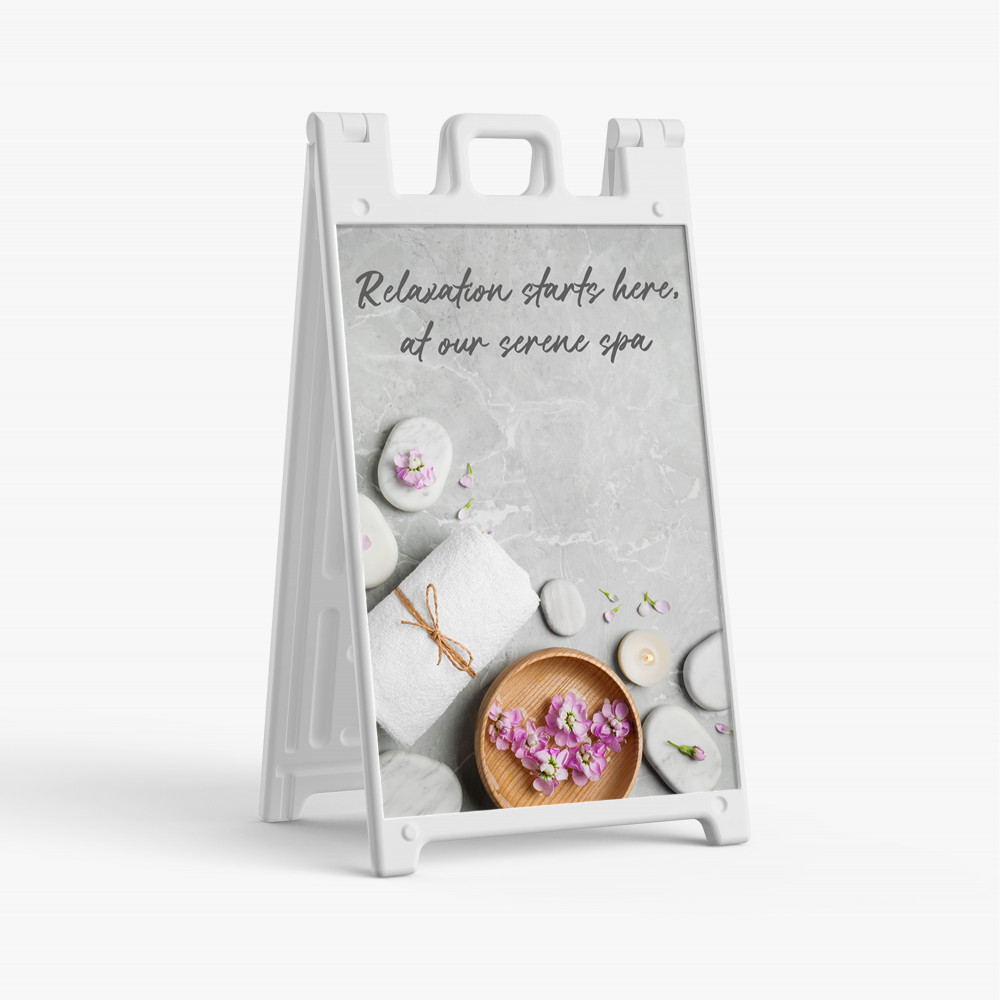
Heavy-duty white folding sidewalk display with one or two mounted 24 × 36 in full-color vinyl graphics.
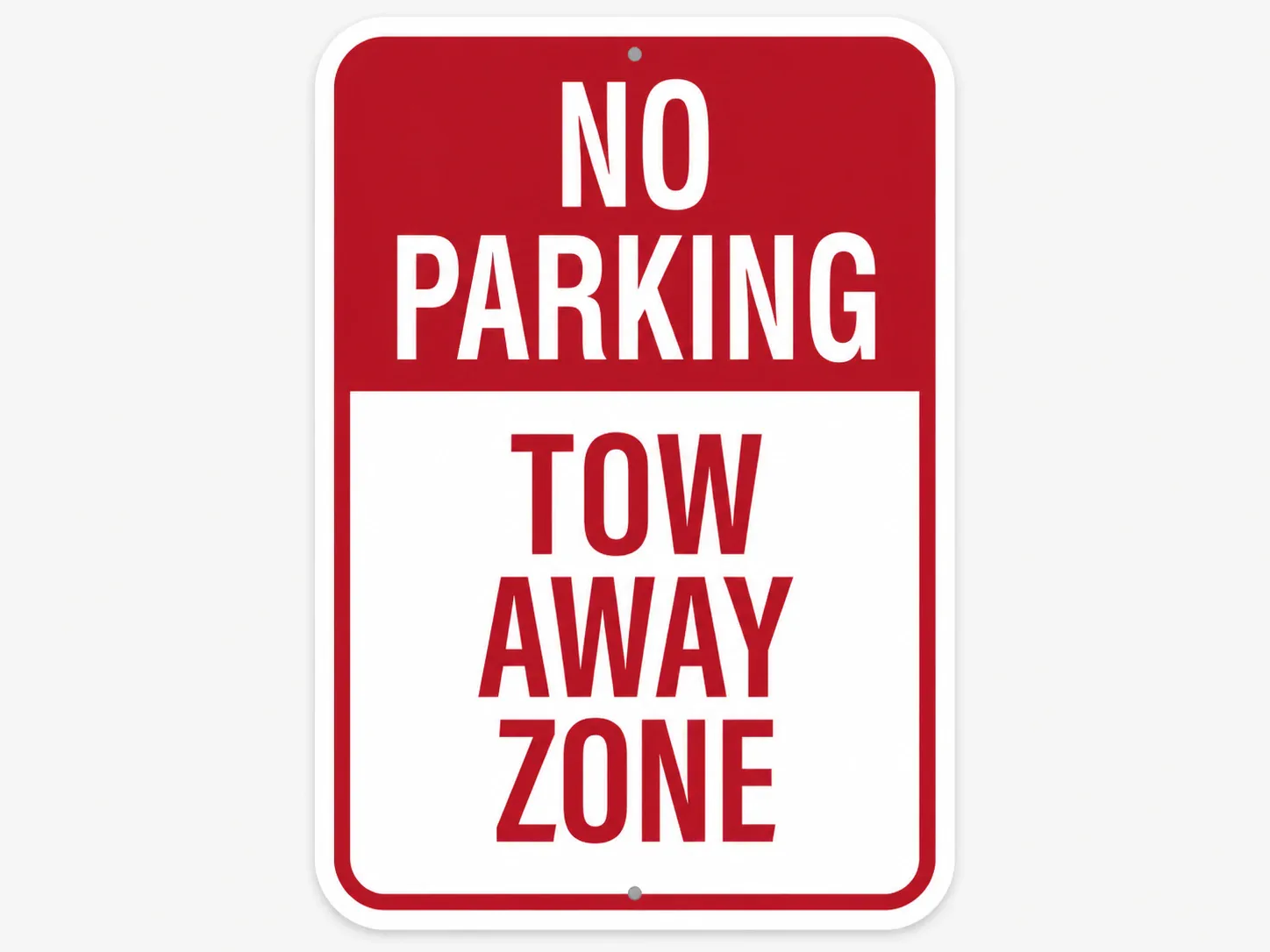
Rigid, rustproof signage for long-term indoor or outdoor use.
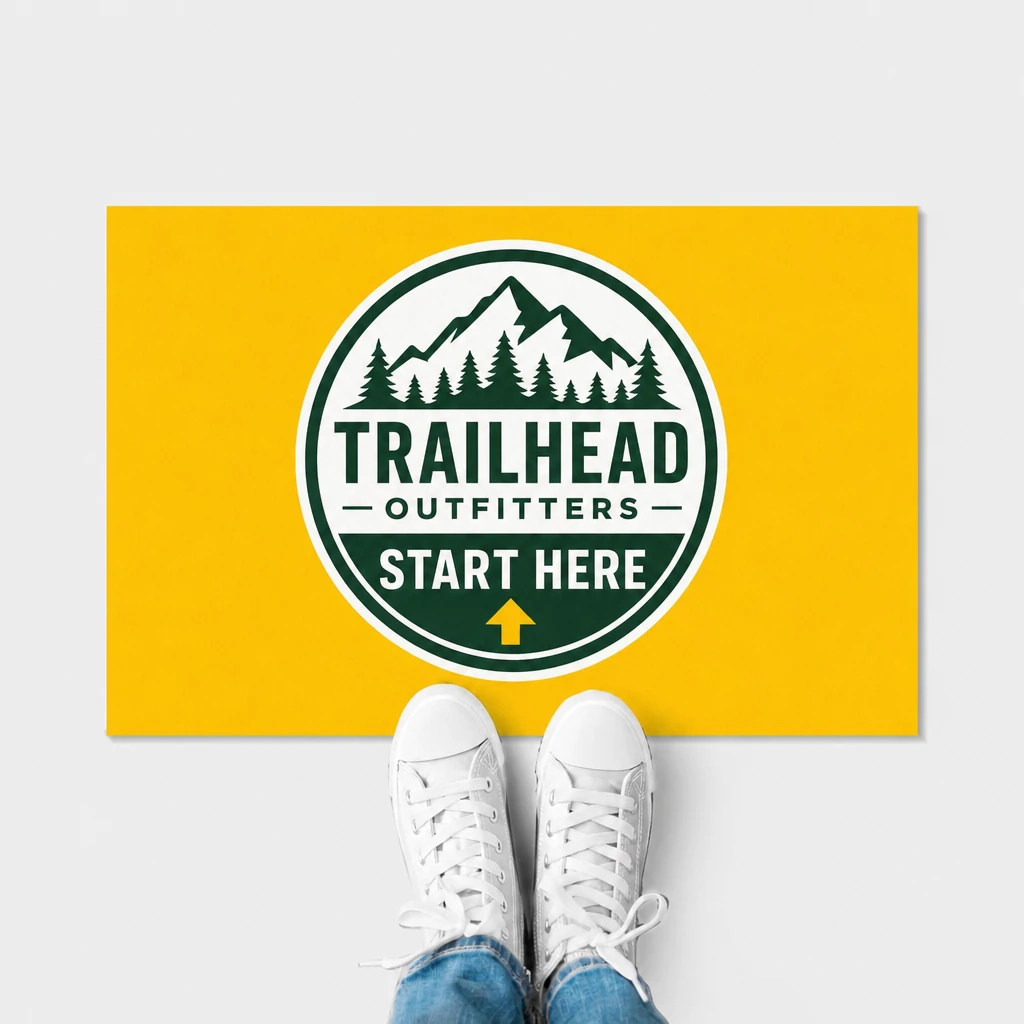
Durable indoor floor decals with air-egress adhesive and textured non-slip protection.
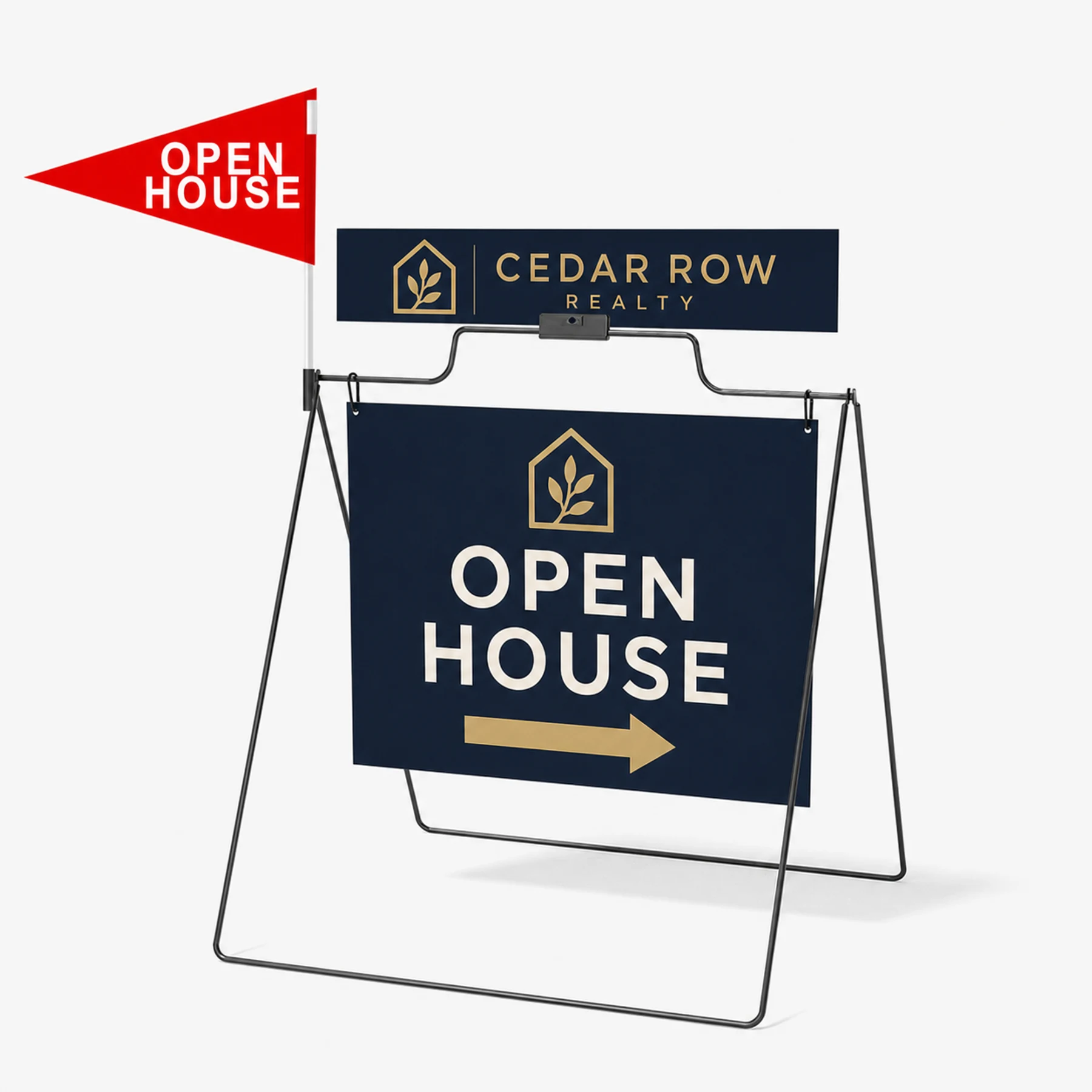
A portable black powder-coated steel A-frame with a double-sided 24 × 18 in hanging Coroplast sign, optional rider, and optional red open-house pennant.
Make the arrow and destination dominant at the expected viewing distance. Test a full-size proof or scaled placement mockup rather than relying on the artboard alone.
A small consistent identity can confirm the route, but it should not compete with the destination and arrow.
No compliance is claimed by this page. Accessibility signage can require specific content, contrast, tactile elements, mounting and locations that must be verified for the project.
Choose a current product, configure it for the placement, then upload artwork, design online or request help.