
Standardize panel and hardware sizes
Select a repeatable frame or post system and design panels to its exact specification. Record thickness, dimensions and attachment method for replacement orders.
Real-estate signs should match the property and the agent's repeat workflow. Choose stake signs for suitable lawns, post or frame systems for structured listings, and portable A-frames for approved open-house placements on hard surfaces.
Select a repeatable frame or post system and design panels to its exact specification. Record thickness, dimensions and attachment method for replacement orders.
Make the listing or open-house status clear first, followed by the agent or brokerage identity and one useful contact path. Keep details appropriate to the viewing distance.
Property owners, associations, municipalities and brokerages can impose sign rules. Verify permission, timing, size, placement and required identification before installation.
These products match the intent of this page. Open one to confirm current options, pricing inputs, artwork guidance and compatible hardware.
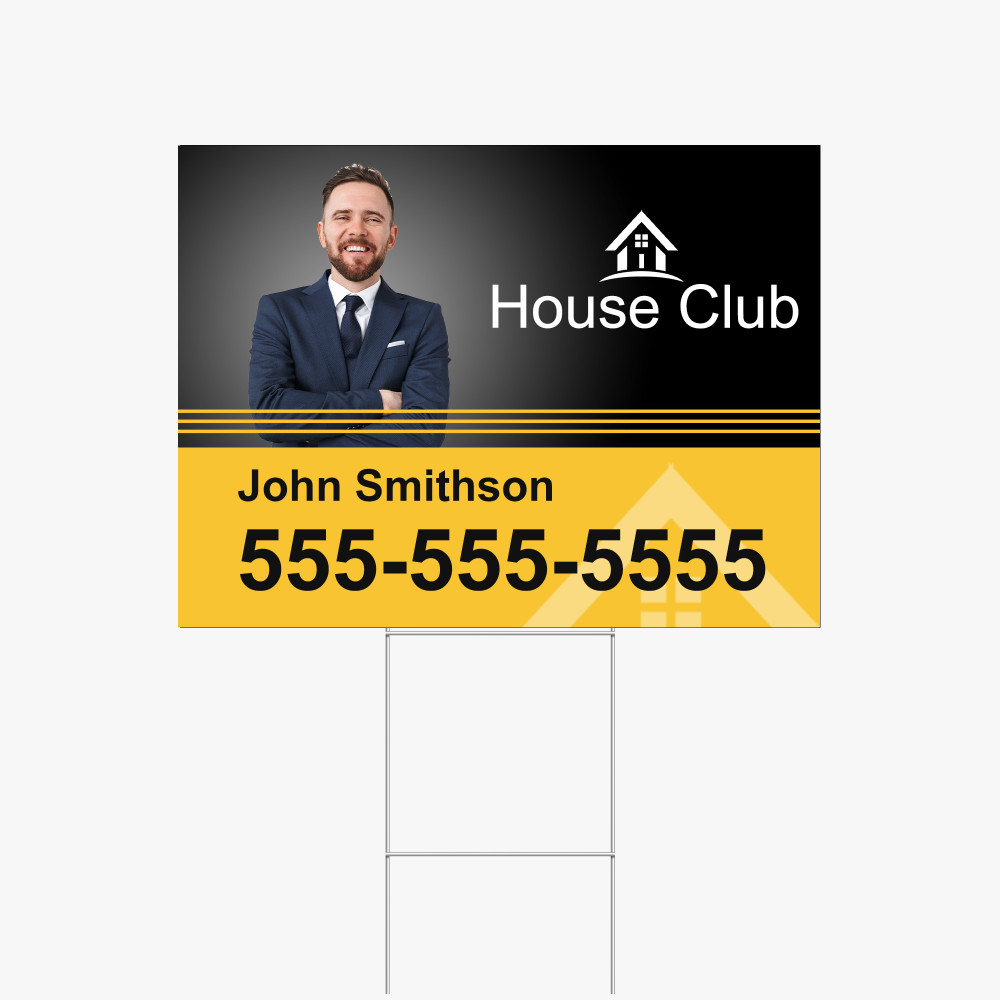
Custom 4mm white Coroplast yard signs from 6 × 6 to 48 × 96 in, printed one- or two-sided in full-color matte UV, with optional H-stakes.
A no-dig white PVC real-estate post system with a double-sided aluminum sandwich-board sign and optional double-sided rider.
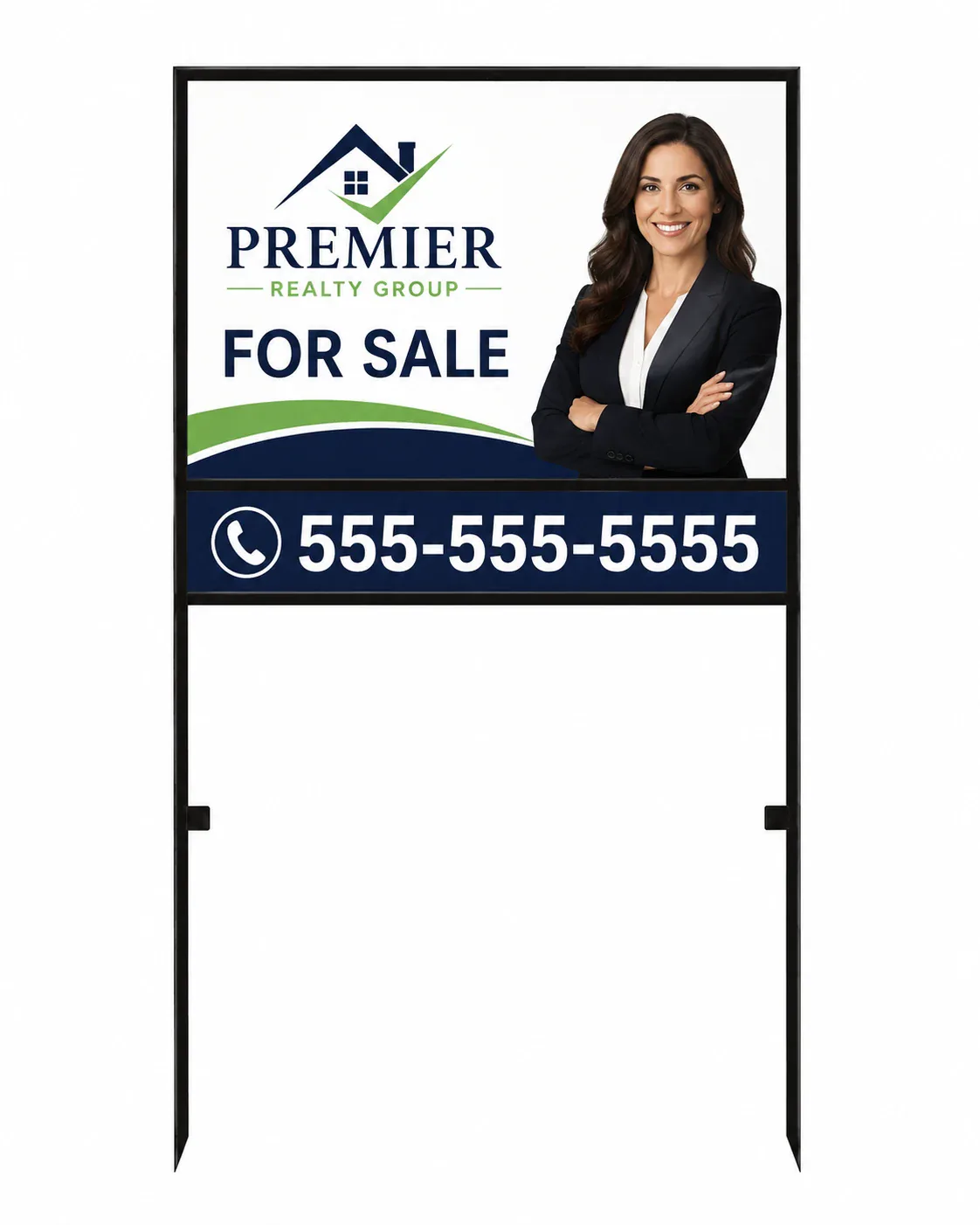
A black powder-coated steel drop-in frame with pointed ground stakes, a double-sided 24 × 18 in Coroplast sign, and an optional 24 × 6 in rider.
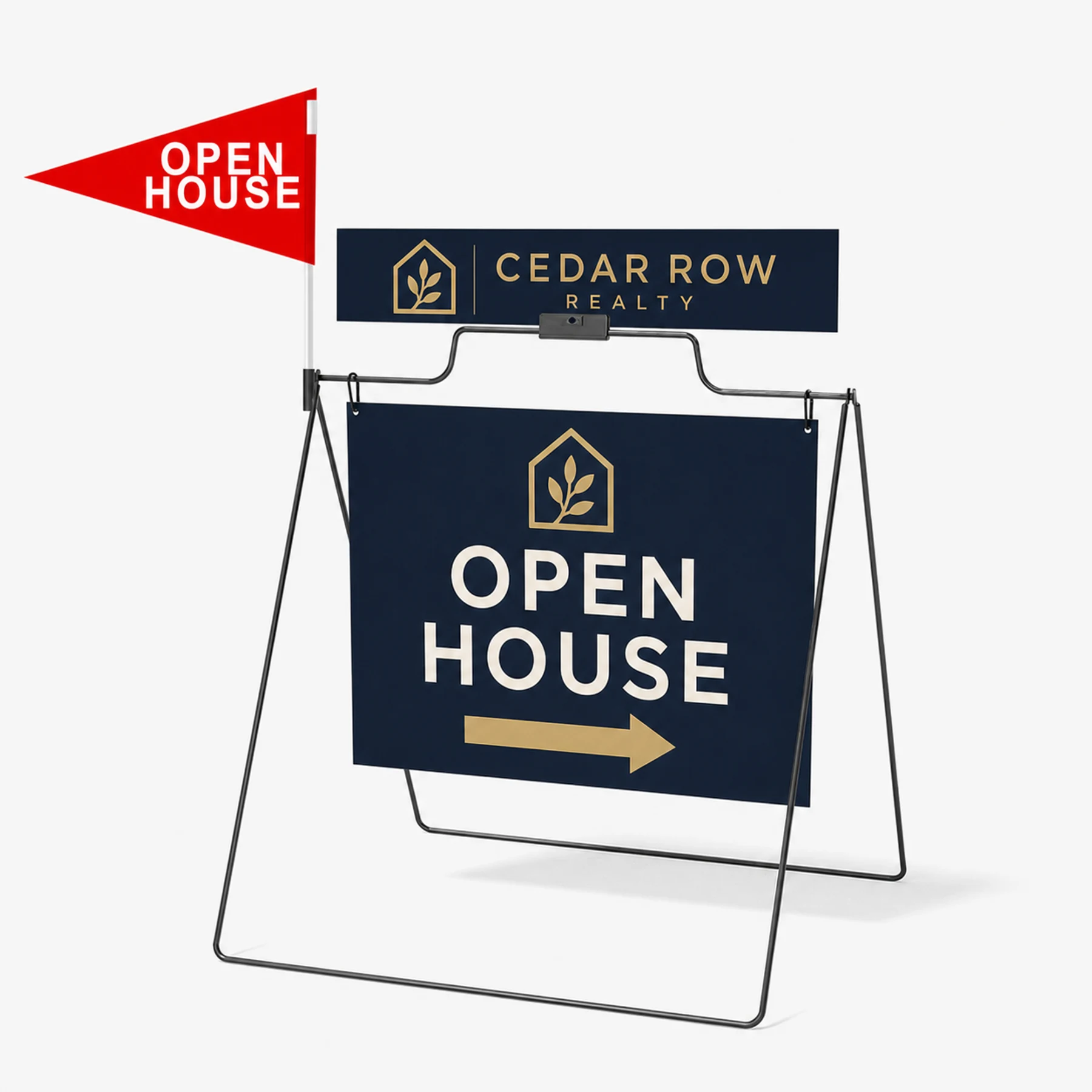
A portable black powder-coated steel A-frame with a double-sided 24 × 18 in hanging Coroplast sign, optional rider, and optional red open-house pennant.
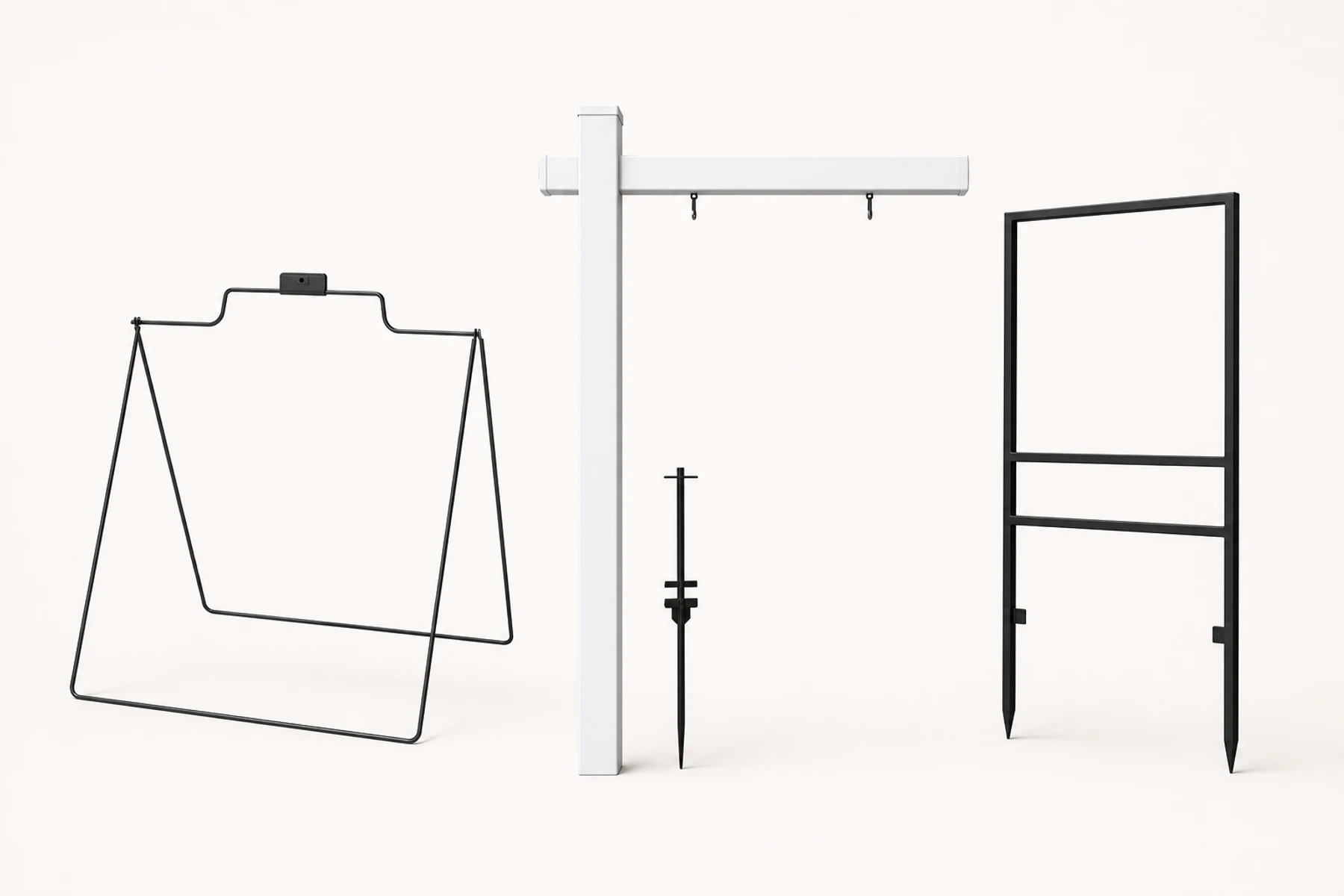
Replacement real-estate display hardware without printed graphics. Choose the folding steel A-frame, six-foot white PVC post system, or black steel drop-in frame.
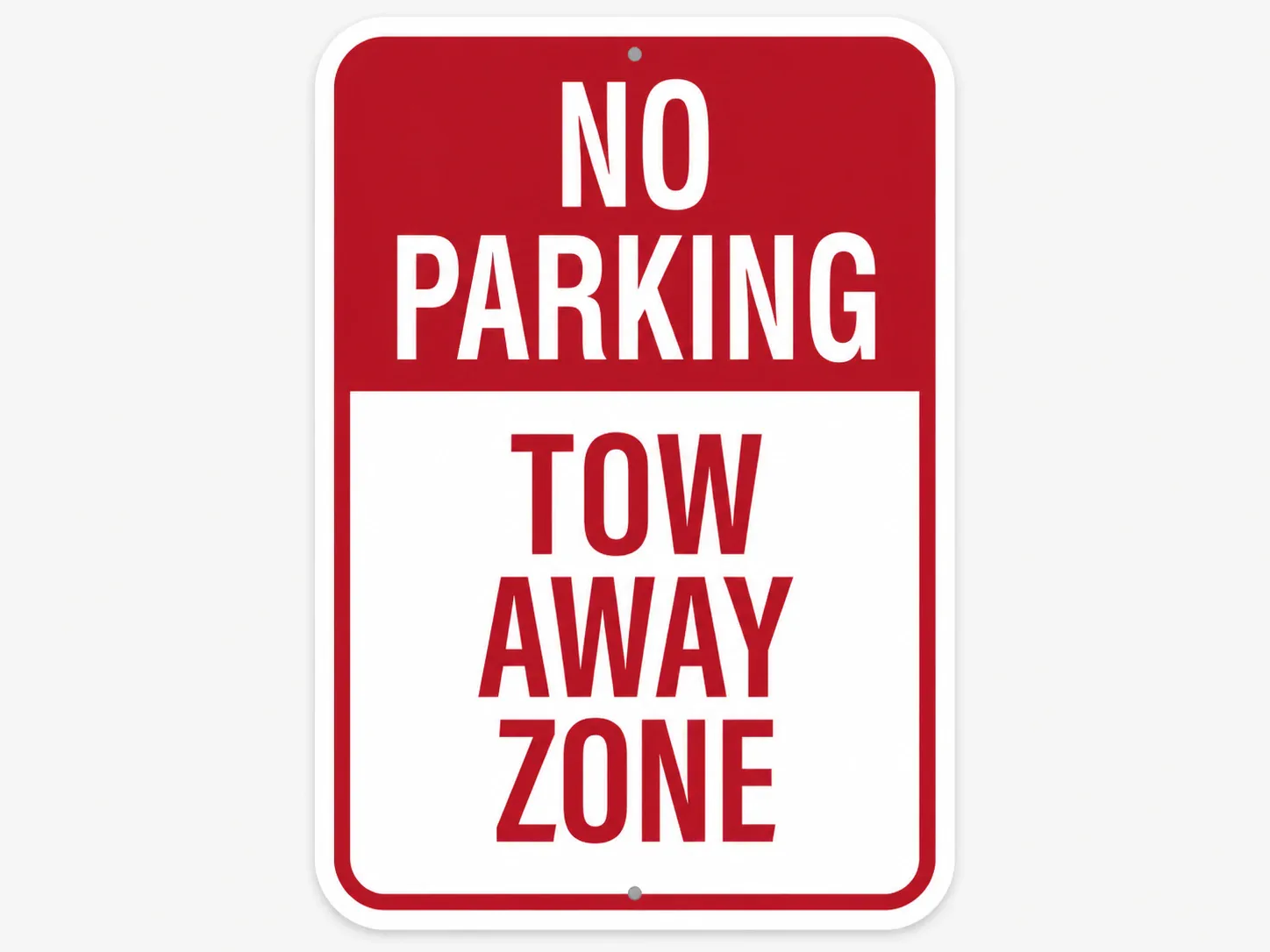
Rigid, rustproof signage for long-term indoor or outdoor use.
A post suspends or supports a compatible listing panel in its specified configuration, while a frame holds a panel within a defined opening or track. Match the panel to the exact hardware.
A yard sign works on approved soft ground, while a real-estate A-frame works on an appropriate flat surface. Choose after mapping the route and checking placement rules.
The catalog includes hardware products and printed sign products. Review the package description so the order contains every required component.
Choose a current product, configure it for the placement, then upload artwork, design online or request help.