
Create a message hierarchy
Lead with “Grand Opening,” the sale type or the central offer. Put dates and the next action directly beneath it, and remove decorative copy that competes with those facts.
Grand-opening and sale signs should state the event or offer first, then the date or action. Use a large banner or flag for recognition, a window or sidewalk message near the entrance, and only the directional signs the location truly needs.
Lead with “Grand Opening,” the sale type or the central offer. Put dates and the next action directly beneath it, and remove decorative copy that competes with those facts.
Choose one format that can be seen from the main approach and another for close-range confirmation at the entrance. Check window, sidewalk, pole and temporary-sign restrictions first.
Put temporary dates and prices on graphics that can be removed or replaced. Schedule removal with the same care as setup so expired claims do not remain on display.
These products match the intent of this page. Open one to confirm current options, pricing inputs, artwork guidance and compatible hardware.
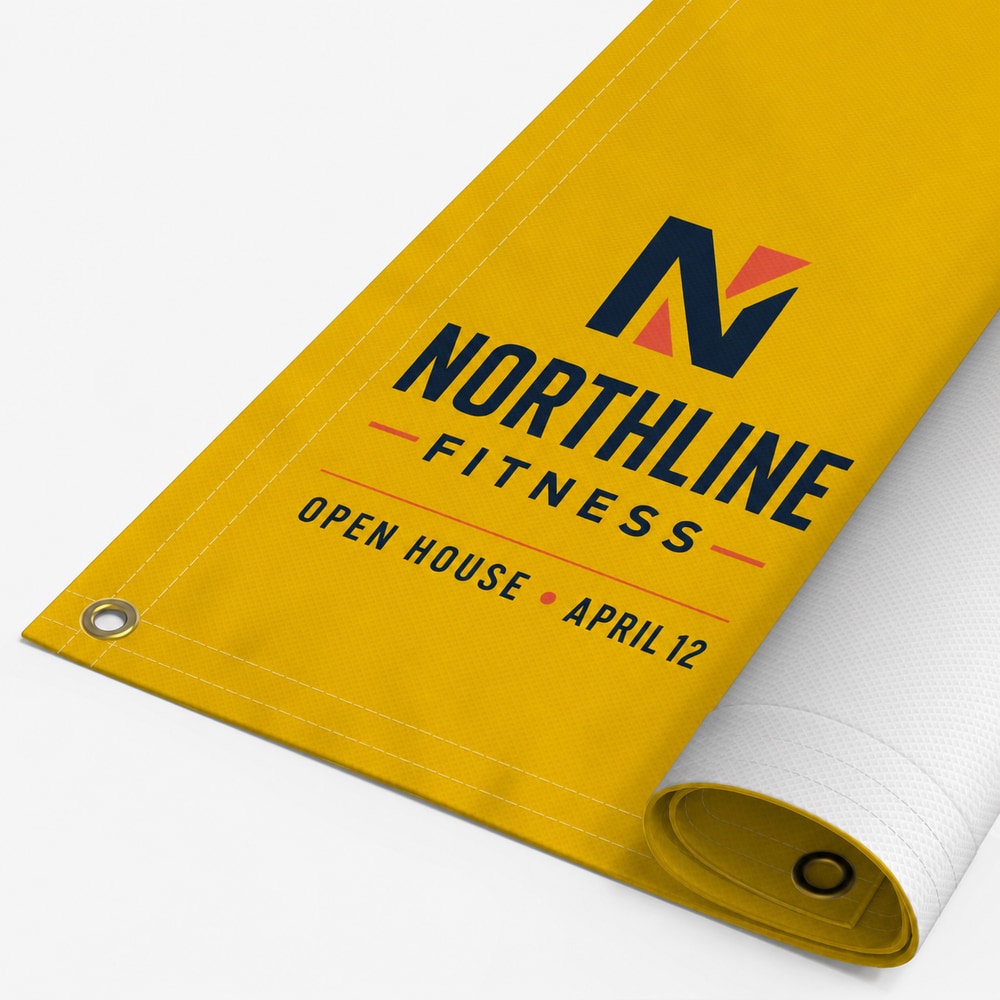
Custom full-color 13 oz scrim vinyl banners with selectable finishing for indoor or outdoor display.
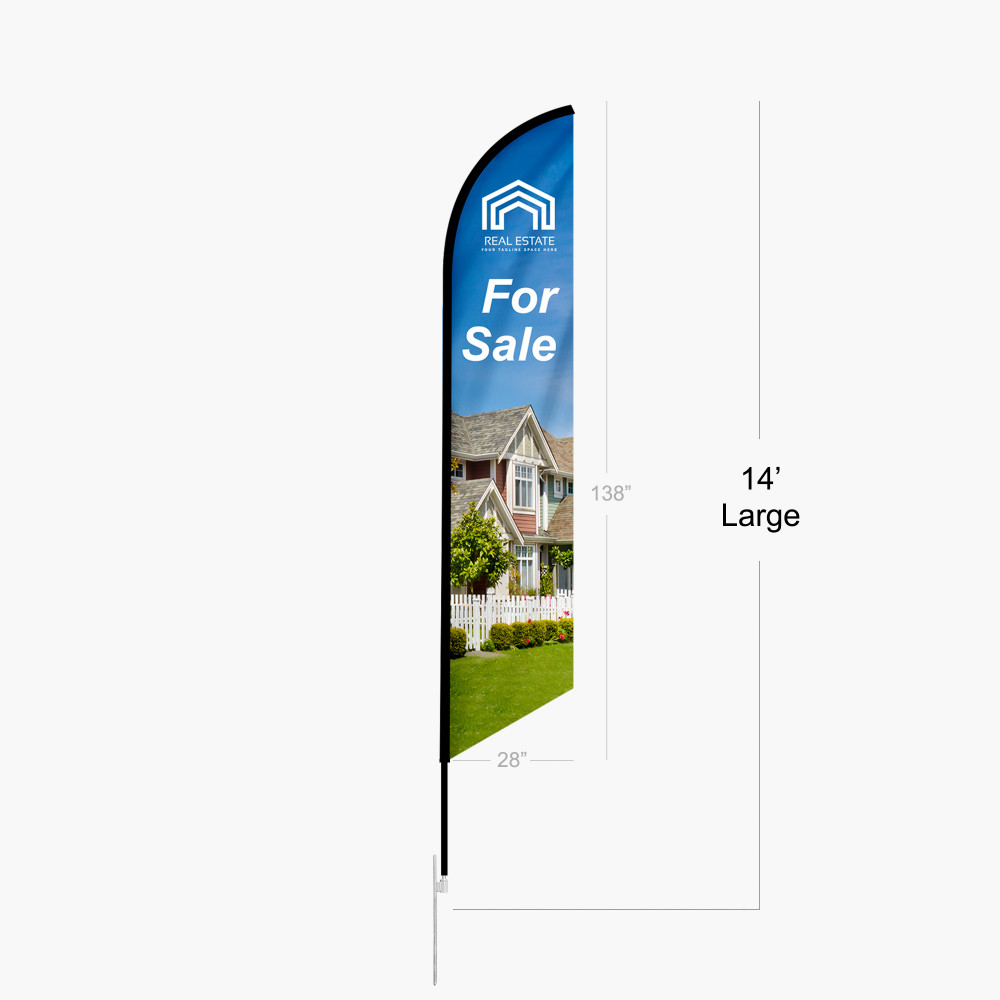
Tall feather-shaped promotional flag with an angled top, vivid full-color fabric graphic, and indoor or outdoor base options.
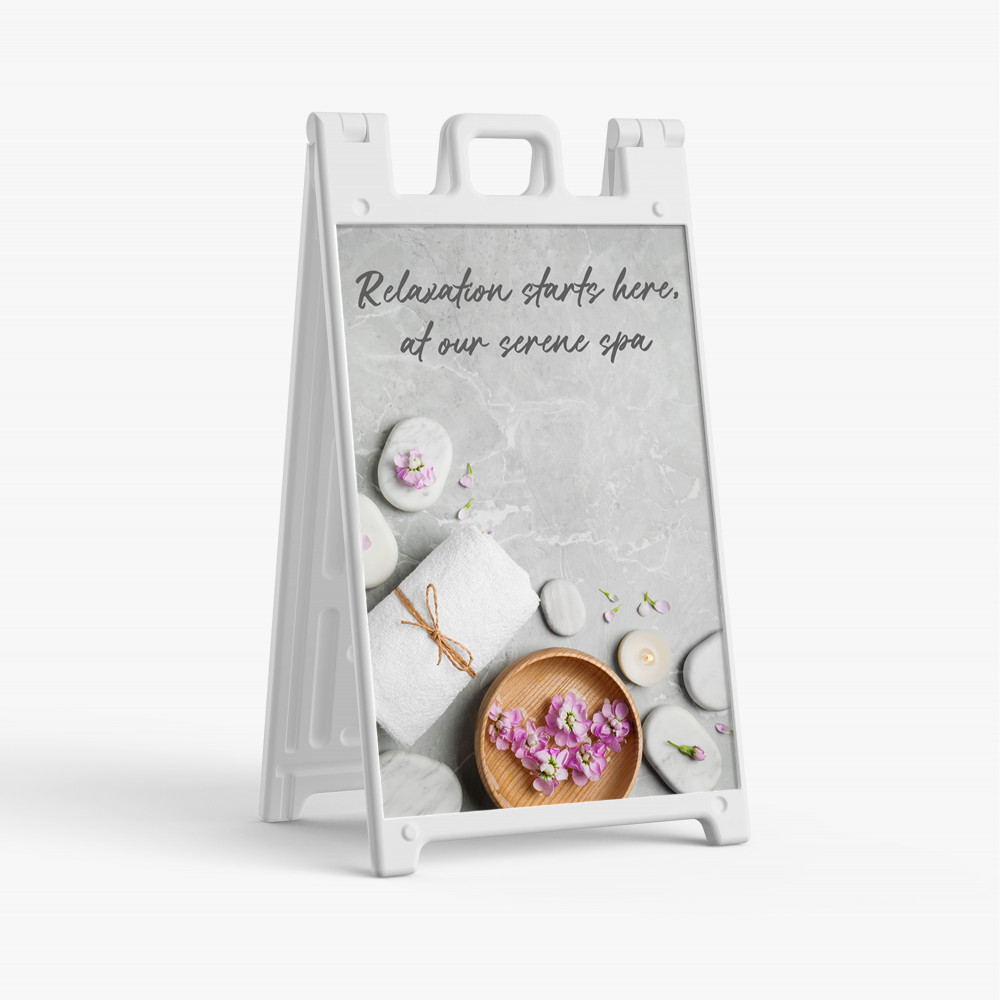
Heavy-duty white folding sidewalk display with one or two mounted 24 × 36 in full-color vinyl graphics.
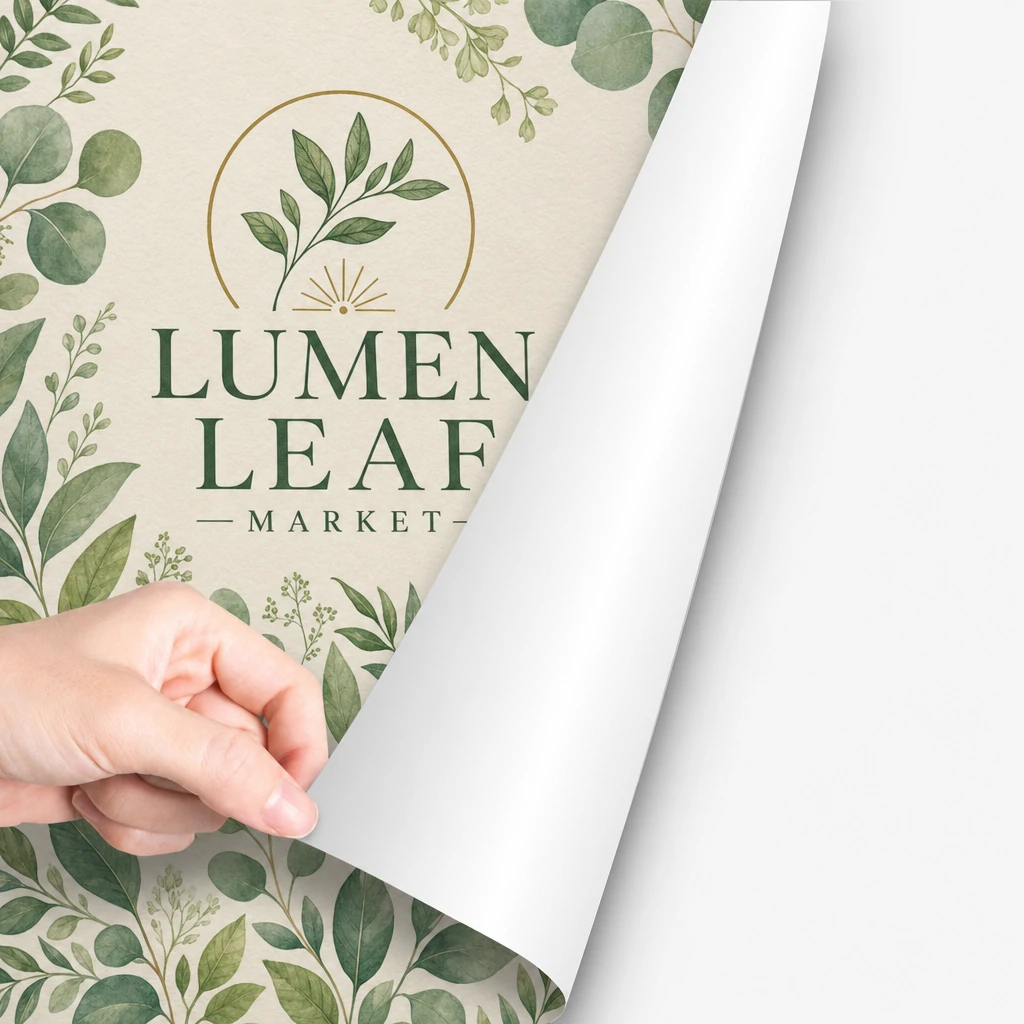
Full-color permanent adhesive vinyl for clean, flat indoor and outdoor surfaces.
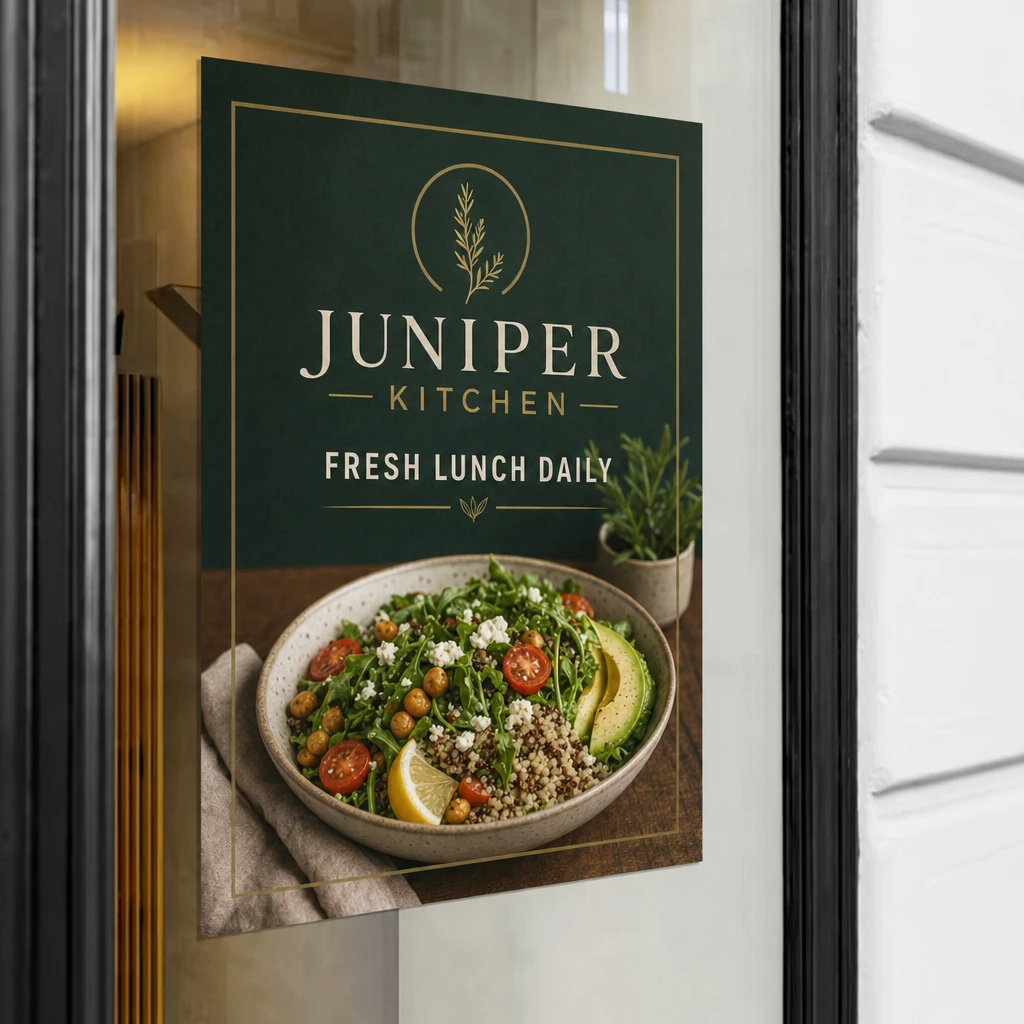
Reusable, repositionable window graphics with bubble-resistant mini-dot adhesive.
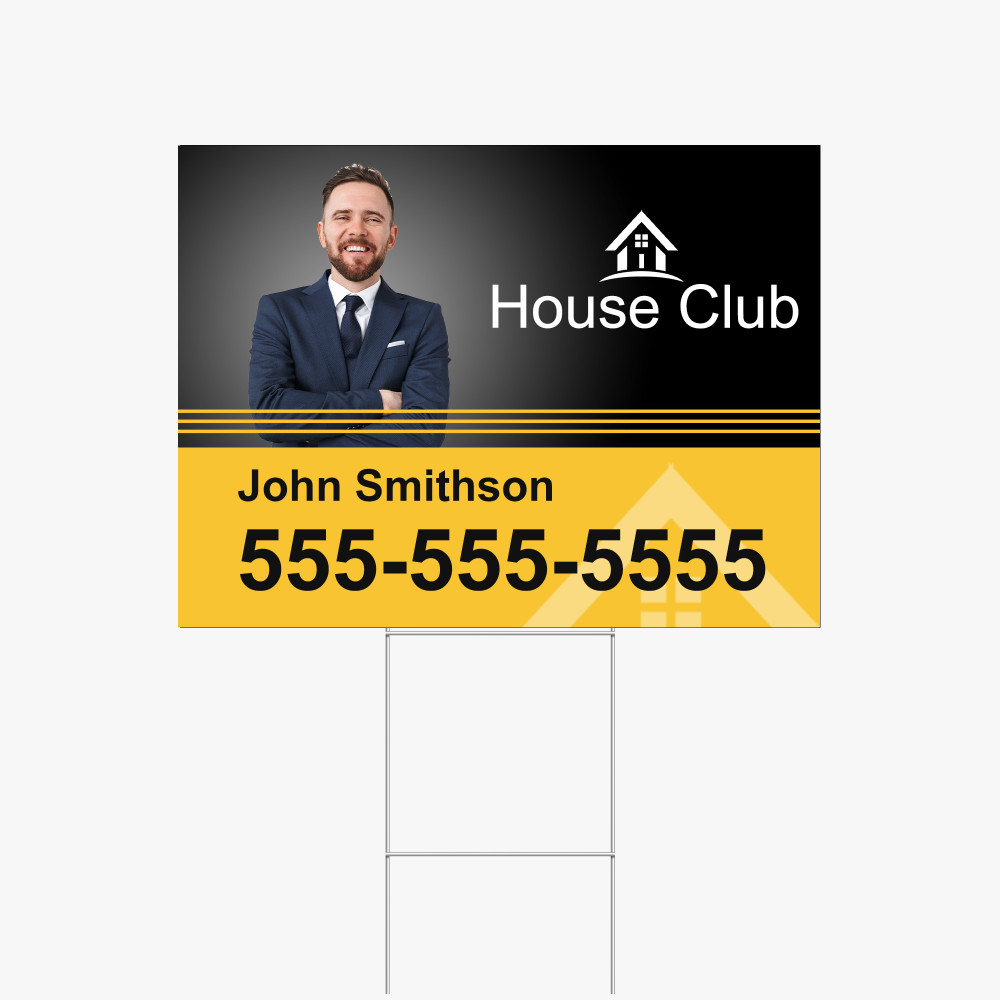
Custom 4mm white Coroplast yard signs from 6 × 6 to 48 × 96 in, printed one- or two-sided in full-color matte UV, with optional H-stakes.
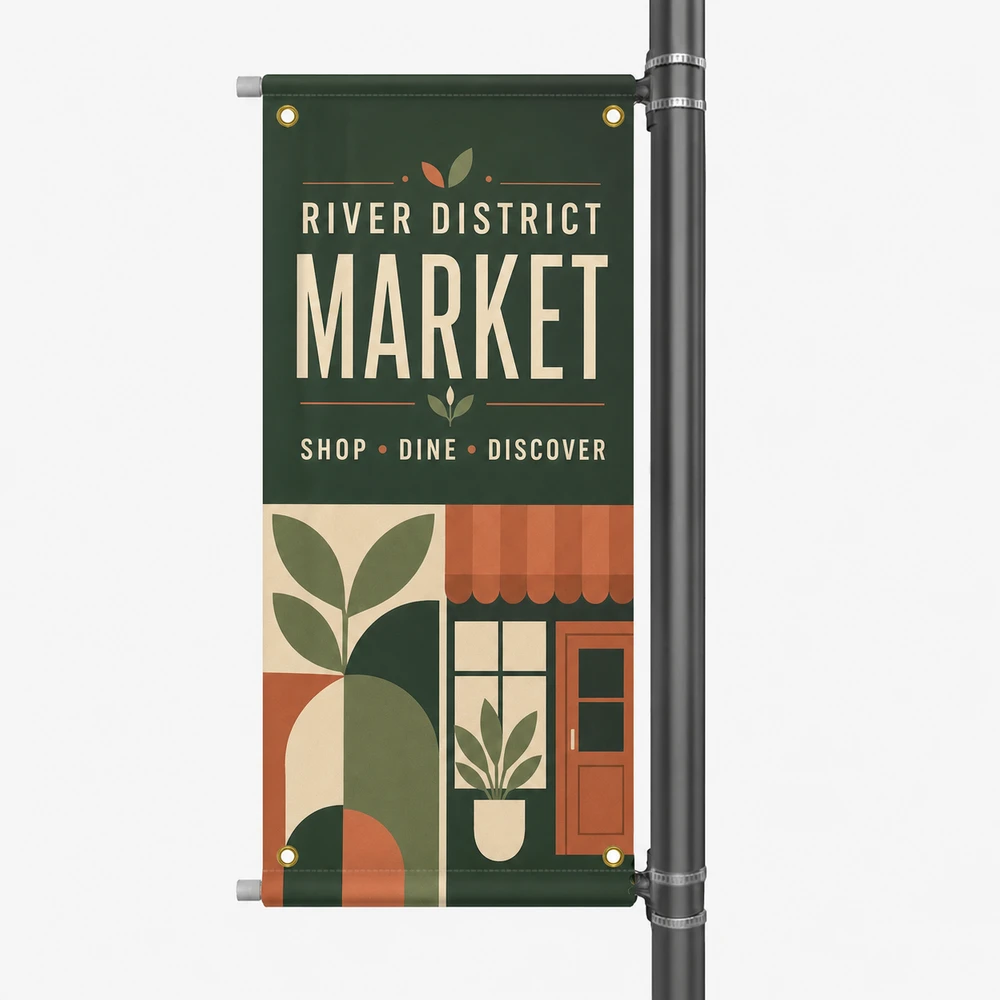
Double-sided 18 oz matte blockout street-pole banner with 2 inch top and bottom pole pockets, four corner grommets, and an optional fiberglass mounting kit.
State the grand opening, the date or date range and the most important reason to visit. Add an address only when the sign is placed away from the destination and it remains readable.
A banner, cling, poster or A-frame insert can support a short promotion. Select by available mounting surface, expected viewing distance and removal plan.
First check lease terms, local window-coverage rules, sightlines and required visibility. Then measure and design each approved pane.
Choose a current product, configure it for the placement, then upload artwork, design online or request help.